
You spend an hour on a post, then thirty seconds on the subject line, and the subject line is the only part of the email that decides whether anyone reads the hour of work. That trade is backwards for most writers on Substack, and it shows up in the open rate data every time.
The good news is that subject lines are one of the few growth levers you can pull without changing anything about the post underneath them. Below is what analyzing a large sample of real Substack posts turned up about what actually correlates with opens, plus the formulas and mistakes worth knowing before your next send.
Table of Contents
- What 2.3 Million Substack Posts Reveal About Subject Lines
- The 30-50 Character Rule (And Why It's Not Absolute)
- Five Subject Line Formulas That Consistently Work
- Mistakes That Quietly Kill Your Open Rate
- Title vs. Custom Subject Line: What Substack Actually Sends
- How to Test Subject Lines Without a Growth Team
- A Subject Line Checklist Before You Hit Publish
What 2.3 Million Substack Posts Reveal About Subject Lines
Most subject line advice for Substack is recycled from general email marketing, written for cold outreach or e-commerce blasts, not for readers who already subscribed because they like your writing. So we pulled post titles and engagement data from over 2.3 million Substack posts published since January 2025 and grouped them by traits every writer actually controls, starting with length, then punctuation, then whether the title used a number.
Reaction count is an imperfect proxy for open rate since Substack doesn't expose subject-line-level open data outside your own dashboard, but it's the closest signal available at this scale, and the patterns held up consistently across the sample. A reader has to open the email before they can like or comment on it, so posts that consistently pull higher reactions are, on average, posts that pulled more opens in the first place.
We limited the sample to posts marked as free-to-everyone, since paywalled posts introduce a second decision (subscribe or don't) that muddies the comparison, and we only looked at posts published from January 2025 onward to keep the data current with how Substack's inbox and preview behavior looks today.
Practical rule: treat these as starting points to test on your own list, not laws. A financial newsletter and a personal essay newsletter will not respond to subject lines the same way.
The Length Sweet Spot
| Title length | Posts in sample | Avg. reactions | Avg. comments |
|---|---|---|---|
| 1-30 characters | 699,982 | 20.59 | 4.64 |
| 31-50 characters | 560,719 | 26.08 | 4.75 |
| 51-70 characters | 277,332 | 27.25 | 4.51 |
| 71-90 characters | 124,077 | 26.70 | 4.35 |
| 91+ characters | 72,752 | 58.76 | 6.58 |
Titles under 30 characters, the ones optimized purely for mobile preview, actually pulled the lowest average engagement in the sample. The 51-70 character range performed best among "normal length" titles, and the 91+ character group's high average is skewed by a smaller set of viral outliers rather than representing a typical post, so don't read it as "write longer titles." The reliable takeaway is that ultra-short, generic titles ("Update," "Thoughts," "This week") underperform titles that actually say something. It also lines up with how Substack readers experience the inbox differently than a typical marketing list: they already know who you are and clicked "subscribe" once already, so a title doesn't need to fight for attention against a stranger's brand the way a cold marketing email does. It just needs to tell them, quickly, whether today's post is one they want right now.
There's a practical floor and ceiling worth naming too. Under 20 characters, a title usually can't carry enough information to be worth opening over the twelve other unread emails sitting above it. Past 100 characters, most inbox clients truncate hard enough that the back half of the sentence never gets read at all, so anything past that length is really writing for your archive page, not your inbox.
Question Marks Underperform
Titles with a question mark averaged 22.81 reactions versus 25.68 for titles without one, across more than 1.7 million posts. That's a small but consistent gap, and it matches something editors have said for years: a question in the subject line invites the reader to answer it in their head and move on, instead of clicking to find the answer.
Numbers Cut Engagement, With One Exception
Titles containing a digit averaged 17.27 reactions, well below the 27.96 average for titles without one. That runs against the standard "listicle numbers perform better" advice from general blogging, and it likely comes down to context: on Substack, a number in the title often signals a numbered digest or roundup post, which tends to be a lower-effort format that regular readers skim past. The exception is when the number is the actual news, like a specific dollar figure, a version number, or a milestone ("50,000 subscribers"), where specificity beats vagueness even with a digit in the mix.
The distinction that matters isn't "avoid numbers." It's whether the number is load-bearing. "3 lessons from my first year" uses a number as scaffolding for a generic reflection post, and readers have seen that exact structure hundreds of times before from other newsletters. "I lost 40% of my subscribers in one month, here's why" uses a number as the actual hook, the reader can't get that specific piece of information anywhere except by opening the email. Same digit, very different job.
The 30-50 Character Rule (And Why It's Not Absolute)
Outside the Substack-specific data, the general email industry guidance for 2026 still centers on a 30-50 character window, since that's roughly what iPhone Mail shows in portrait preview before truncation, and iPhone Mail accounts for the majority of consumer inbox opens today (TypeCount, 2026). Gmail shows more, around 70 characters, and Yahoo cuts off closer to 46, so the safest approach is to front-load the actual point in the first 40 characters and treat anything after that as bonus context for readers on wider screens.
That guidance is a floor, not a ceiling. Our own data above shows Substack readers respond fine to titles well past 50 characters, as long as those extra characters are doing work: a specific claim, a name, a number that matters, not filler words. The rule isn't "keep it short." It's "make every character earn its place," and for most writers that lands somewhere between 40 and 70 characters.
Practical rule: write the subject line assuming only the first 40 characters will be read. If it doesn't make sense cut off at 40, rewrite it before you touch anything else.
Five Subject Line Formulas That Consistently Work
You don't need a new formula for every post. Most high-performing Substack subject lines fall into a handful of repeatable shapes.
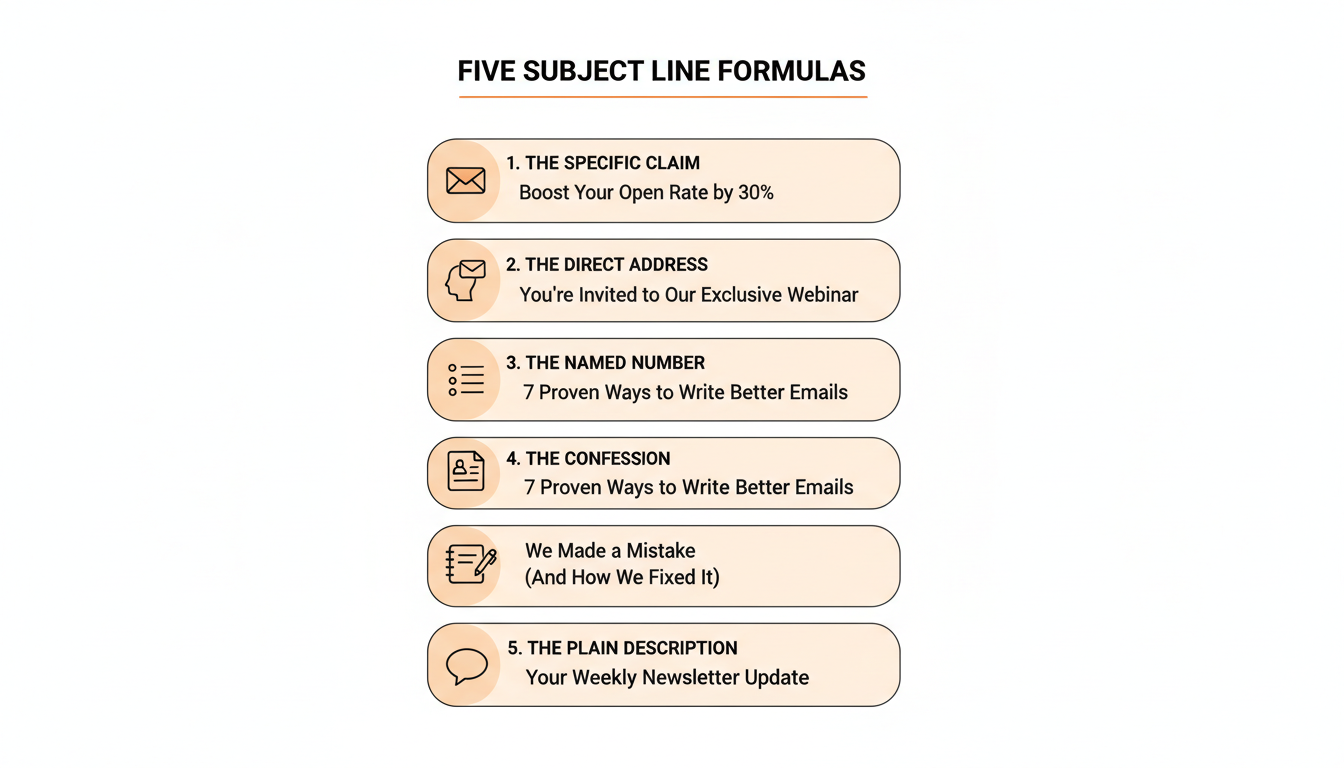
- The specific claim. State the actual finding or takeaway instead of teasing it. "I read 200 rejection emails so you don't have to" beats "What I learned this week."
- The direct address. Speak to the reader's exact situation. "If you're still posting once a week, read this first" works because it filters for relevance before the reader even opens.
- The named number. Use a number only when it's the point, not decoration. "I made $4,200 from one post" is a claim. "5 Tips for Growth" is a template.
- The confession. A specific, slightly uncomfortable admission earns curiosity honestly. "I almost quit Substack in March" outperforms vague vulnerability like "A hard month."
- The plain description. For essay-driven or literary newsletters, a clear, well-written description of the piece itself often beats a hook, because the writing quality is the draw, not a marketing angle.
Practical rule: pick the formula that matches the post, not the one that's trending. A tactical how-to post and a personal essay shouldn't share a subject line style.
Running a batch of posts through WriteStack's AI note generator can also surface a few subject line candidates as a side effect, since turning a long post into short-form notes forces you to state the core claim in a few words before you write anything else.
Mistakes That Quietly Kill Your Open Rate
The data above points at a few habits worth dropping.
Being vague to sound intriguing is the most common one. "Something's changing" and "A different kind of post" read as filler once a reader has seen a dozen similar subject lines from other newsletters in the same inbox. Specificity, even a plain one, consistently beats mystery.
📅 Struggling to stay consistent on Substack?
WriteStack's Smart Scheduling lets you batch and queue Notes in minutes. Grow on Substack without burning out.
Explore Smart SchedulingRepeating the same structure post after post is another. If every subject line for six weeks starts with "This week's thoughts on," regular readers stop reading the rest of it, because their eyes have learned the pattern isn't worth the extra half-second.
Padding with a number for the sake of a number, as the data above shows, tends to signal "digest" rather than "worth opening now." Save numbers for when they're the actual finding.
Writing the subject line before the post is finished is a quieter mistake, but a common one. It's tempting to draft a placeholder title early and forget to revisit it once the piece has actually taken shape, and the finished post is often not about what you thought it would be about when you started. A ten-second pass at the end, after the last paragraph is written, catches most of these.
Practical rule: read your last ten subject lines in a row. If you can't tell which post is which without opening them, that's the problem to fix first, not your writing.
Title vs. Custom Subject Line: What Substack Actually Sends
By default, Substack sends your post title as the email subject line. Most writers never touch this, which is exactly why the data above (built from post titles) is a fair proxy for subject line performance at scale.
Substack does let you set a separate subject line from the title under a post's settings, though it's easy to miss since it's tucked into the same panel as the SEO title and social title fields. This matters most when your best on-page title (the one that reads well on your archive page or in search results) isn't the same as your best inbox hook. A post titled "How I Rebuilt My Substack From Zero" might work fine on the page, but a subject line like "I deleted my whole Substack and started over" earns a click in a crowded inbox where the reader is scanning, not browsing.
If you're inconsistent about which subject lines land, tools like WriteStack's engagement heatmap can show which past posts and send times actually drove opens and clicks, which is a faster way to spot your own patterns than guessing from general benchmarks.
Worth noting: the social title and search engine title fields serve a different job entirely. The social title shows up when a post is shared as a link on Notes, X, or elsewhere, and the search engine title is what shows in Google results. Both can differ from your email subject line without any downside, since a reader clicking a shared link and a reader opening your email are in completely different contexts, deciding based on different information. Writers who use the same text in all three fields are leaving a second and third chance at a good hook on the table.
How to Test Subject Lines Without a Growth Team
Most Substack writers don't have the list size or the tooling for real A/B split tests, and that's fine. A few lower-effort approaches get most of the value.
Keep a running log of your last 20-30 subject lines next to their open rates, pulled straight from your Substack dashboard. Patterns show up fast once they're side by side instead of scattered across weeks of memory. A simple spreadsheet works fine here: one column for the subject line, one for the open rate, one for the formula it falls into from the list above. After a few months you'll usually see one or two formulas pulling consistently ahead of the others for your specific audience, at which point you can lean into what's already working instead of guessing fresh every week.
Write three subject line candidates for every post before you publish, even if you only use one. The act of writing alternatives usually surfaces a better option than your first instinct, and over time you'll notice which formula (see the five above) you reach for most and whether that's actually your best-performing one.
Ask a friend or a fellow writer to read only the subject line, out of context, and tell you what they think the post is about. If they guess wrong, the subject line isn't doing its job regardless of how clever it sounds to you.
If your list is large enough for it, Substack does support sending to a small segment first and adjusting before the full send, though most writers under a few thousand subscribers won't have a large enough segment for the results to mean much. For smaller lists, the log-and-review approach above does most of the same work over a longer time horizon, just without the statistical confidence a true split test would give you.
Practical rule: compare subject lines against your own past posts, not against benchmarks from other niches. A 35% open rate might be strong for one newsletter and weak for another depending on list size and audience relationship.
A Subject Line Checklist Before You Hit Publish
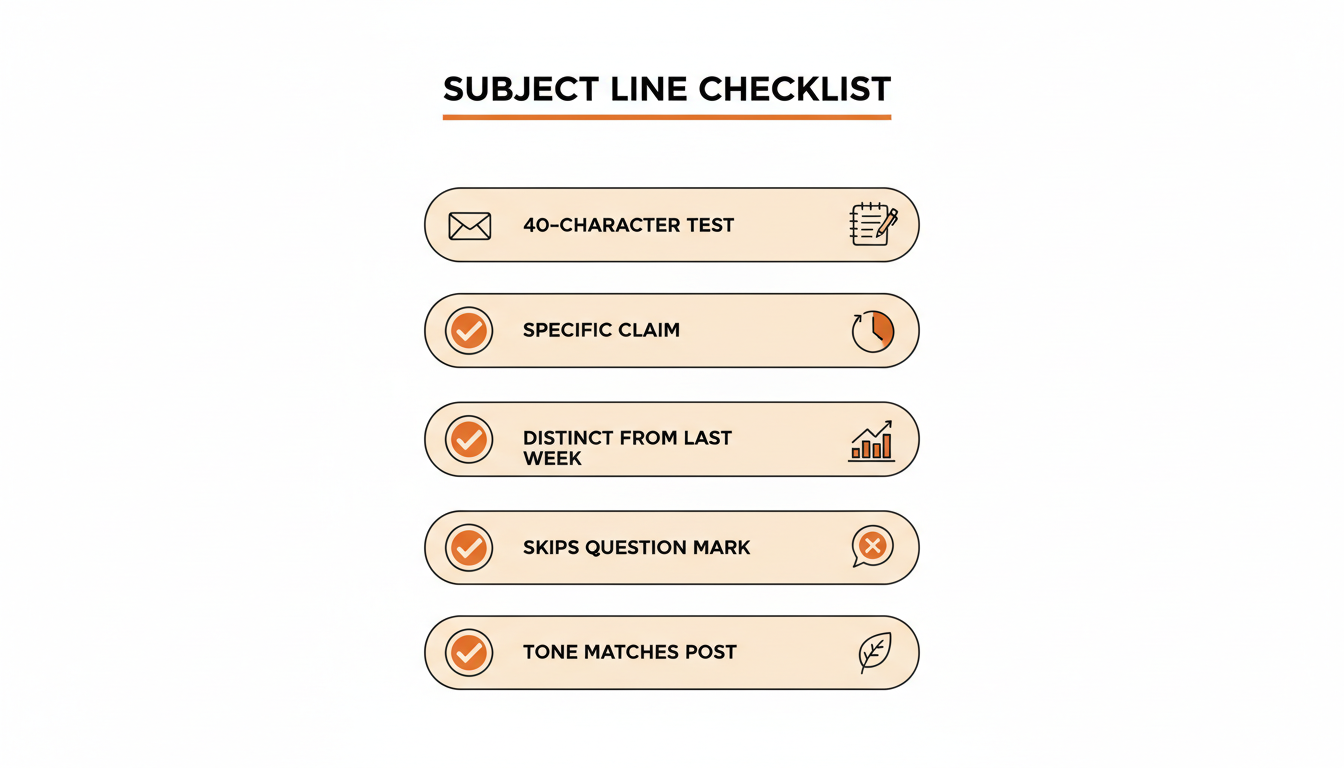
Run through this before scheduling:
- Does it make sense if only the first 40 characters are visible.
- Is there a specific claim, name, or detail, not just a mood or a tease.
- Would this subject line be interchangeable with last week's, or is it unmistakably about this post.
- If there's a number, is it the actual point of the post, not decoration.
- Does it avoid a question mark unless the question is genuinely the hook.
- Does it match the tone of the post itself, so the open doesn't feel like a bait and switch.
Writers who track their Substack fans and most engaged readers tend to notice these patterns faster, since repeat opens from the same core readers make it obvious within a few sends whether a subject line style is working or wearing thin.
Subject lines aren't a separate skill from writing the post. They're the first sentence of the post, just delivered in an inbox instead of on the page. Treat them with the same care you give the opening paragraph, and the rest of the open rate math tends to sort itself out.
If you want to schedule and test subject lines without living inside Substack's native editor, WriteStack puts scheduling and post analytics in one place, with note generation built in too, so you can see what's actually working instead of guessing from general best practices.